
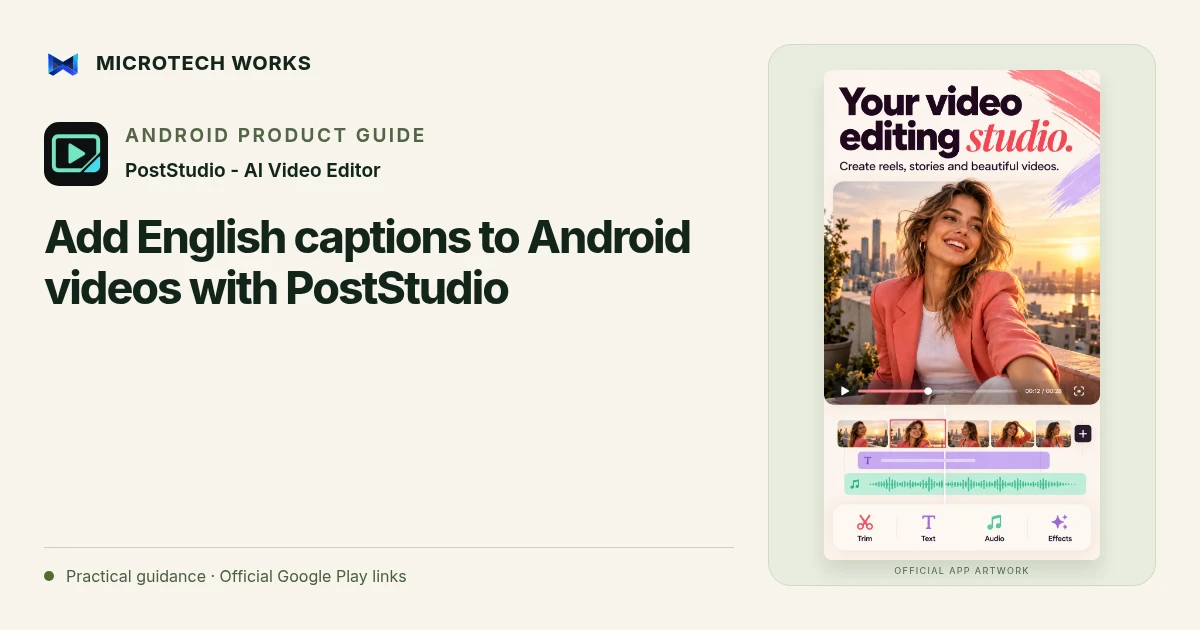
Automatic captions are a useful first draft, not a substitute for checking what a speaker said. PostStudio Video supports on-device automatic captions for English speech, editable subtitles and SRT or WebVTT import. A reliable workflow combines those tools with a careful review of names, numbers and timing.
Prepare the speech track
Listen to the clip before generating captions. Overlapping speakers, loud music and distant speech can make the result harder to correct. Trim unnecessary material so you are working on the intended segment. Where possible, start from a source recording with clear speech rather than expecting an editor to recover an inaudible conversation.
Generate, then compare with the audio
Use the automatic English-caption capability for supported speech, or import an existing subtitle file when you already have one. Check proper names, abbreviations, prices and dates carefully. A plausible-looking sentence can still reverse the meaning of a statement. If you cannot understand a word yourself, replay the source or ask the speaker rather than inventing a confident replacement.
Review readability and timing
Split very long lines into readable pieces and leave captions visible long enough to be understood. Keep them clear of faces, demonstrations and any platform controls that might cover the lower part of the frame. PostStudio supports caption styling and word highlighting, but decoration should not compete with the words. Check contrast against both the brightest and darkest parts of the clip.
Test the exported video
Watch the complete export once with sound and once without it. The silent pass helps reveal whether the captions carry the essential message; the audio pass exposes timing mismatches. If you are delivering a separate subtitle file, confirm that the recipient knows how it will be attached and whether they need SRT or WebVTT.
Automatic speech captions in the published app currently support English. Adding Hindi text manually is a different capability and should not be mistaken for automatic Hindi transcription. Export quality, including 4K availability, depends on compatible hardware. Keep a project backup so that a spelling correction does not require rebuilding the whole edit.
Continue reading
For another part of this workflow, read Reframe wide video for vertical reels on Android.
Published by Microtech Works, the developer of PostStudio - AI Video Editor. Product features were checked against the public listing on 31 October 2026. Screens and availability can change with updates.
Explore PostStudio Video →Download PostStudio Video →Official Google Play listing ↗Continue reading
01Reframe wide video for vertical reels on Android02Arrow Escape beginner guide: find the first clear path03Use hearts, hints and chain moves in Arrow Escape