
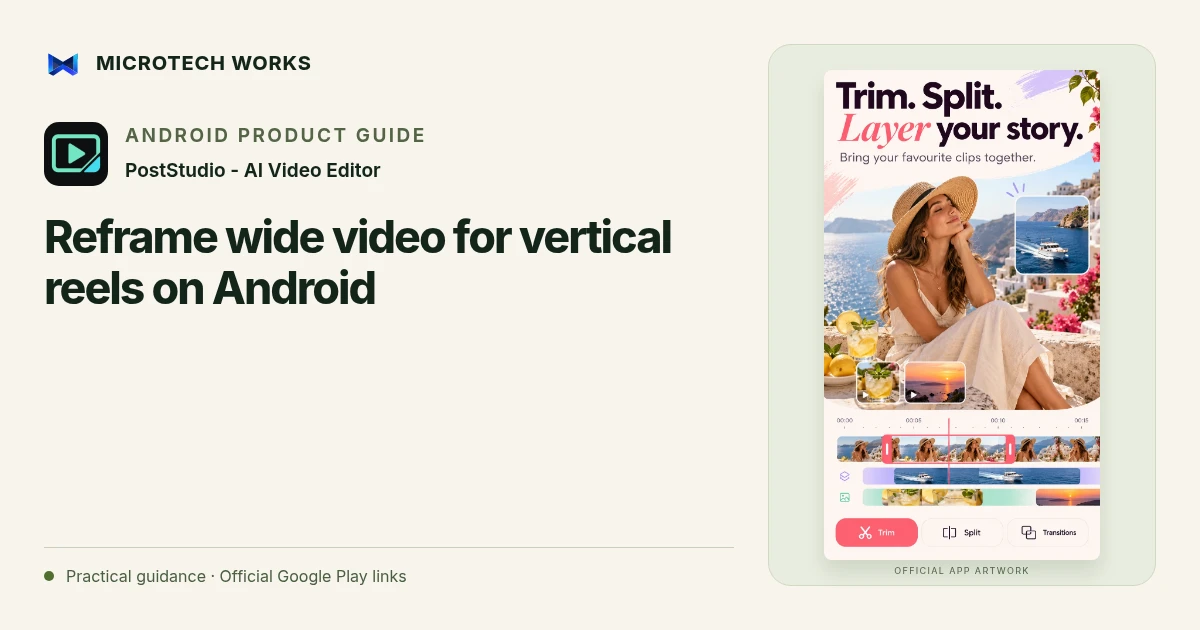
Turning a wide video into a vertical clip involves choosing what the viewer should see. Simply filling a tall frame can cut away the information that makes the scene useful. PostStudio Video supports vertical formats, automatic reframing and multi-track editing so you can prepare a version around the subject that matters.
Decide what the vertical edit needs to preserve
Watch the source for people entering the frame, objects used in a demonstration and any text already present. A talking-head clip may need one stable face; a tutorial may need both the speaker and the work surface. If a narrow crop cannot show both, shorten the sequence or use another layout rather than assuming that an automatic crop will tell the whole story.
Review automatic reframing shot by shot
PostStudio’s auto reframe can keep faces in view while converting wider footage to a vertical format. Check the result whenever the scene changes. Multiple faces, a subject turning away or an important object outside the face region can require a different choice. Keyframe and picture-in-picture tools can help create an intentional composition where a single crop is not sufficient.
Keep captions and overlays inside a readable area
Preview titles, subtitles and logos in the final aspect ratio. Material that looked comfortably spaced in a landscape edit can become crowded in 9:16. Do not place the only important instruction at an edge likely to be covered by a receiving app’s controls. Use the full clip to check whether an overlay obscures the subject when they move.
Export a version you can actually deliver
Choose the resolution your device can reliably encode and the destination needs. A larger export is not automatically a better result if the source is soft or the upload will be heavily compressed. PostStudio supports MP4 export and 4K on compatible hardware; test a short segment before committing a long project to a demanding setting.
Keep the original landscape project or backup separate from the vertical export. The next destination may need a different ratio, and a flattened video gives you fewer options than the editable timeline. Review the final file on a phone so you can judge framing, speech, captions and pacing together.
Continue reading
For another part of this workflow, read Add English captions to Android videos with PostStudio.
Published by Microtech Works, the developer of PostStudio - AI Video Editor. Product features were checked against the public listing on 31 October 2026. Screens and availability can change with updates.
Explore PostStudio Video →Download PostStudio Video →Official Google Play listing ↗Continue reading
01Add English captions to Android videos with PostStudio02Arrow Escape beginner guide: find the first clear path03Use hearts, hints and chain moves in Arrow Escape