
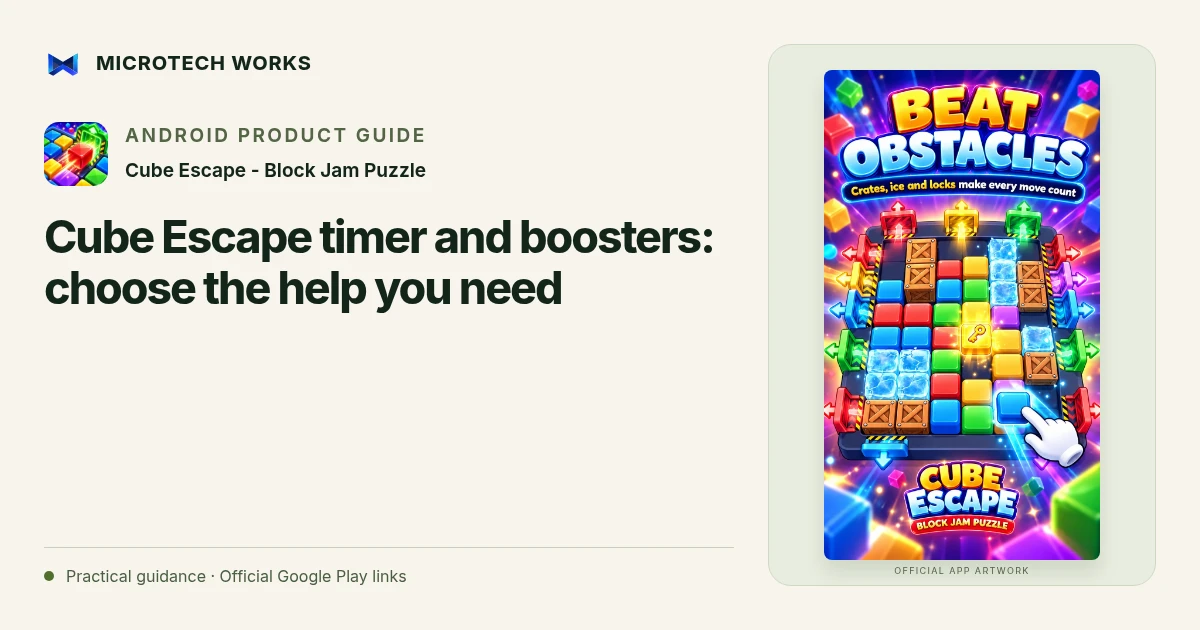
A booster is most useful when you know what problem it is solving. Cube Escape includes tools for reversing a move, gaining thinking time, removing an obstacle and receiving help with an escape. Those are different interventions, so identify the current difficulty before choosing one.
Use undo when a placement created the problem
If a recent move blocked a lane you still need, reversing it may be more informative than adding another tool. Compare the board before and after the move. The lesson is not simply that the piece should never move; it may need a different temporary position or a later place in the sequence.
Use freeze for a time problem
The published freeze booster pauses the countdown for a limited period. It gives you time to inspect a route, but it does not remove a wall or change which gate matches a block. Decide what you will examine during that pause. Spending the time on more random drags can leave the original routing problem unchanged.
Understand what hammer or magnet changes
The listing describes hammer as removing a blocking cube and magnet as guiding an appropriate escape. Read the current on-screen explanation before using either. A tool can help finish a board without explaining why your earlier route failed, so take a moment to see the space that opened or the path that was selected.
Rebuild the plan after the intervention
A changed board is a new routing situation. Check whether another piece can now reach its gate and whether a temporary parking place is still needed. Do not continue a memorized sequence automatically when the condition that sequence depended on has changed.
Daily gifts, coins and star ratings can support progression, but a booster is not evidence that a level requires payment or that one universal solution order applies. The game describes offline core play; online reward options have their own requirements. Choose the smallest intervention that addresses the obstacle you understand, and use the resulting board state to make the next decision more clearly.
Continue reading
For another part of this workflow, read Cube Escape: match gates and plan block routes.
Published by Microtech Works, the developer of Cube Escape - Block Jam Puzzle. Product features were checked against the public listing on 31 October 2026. Screens and availability can change with updates.
Explore Cube Escape →Download Cube Escape →Official Google Play listing ↗Continue reading
01Cube Escape: match gates and plan block routes02Add English captions to Android videos with PostStudio03Arrow Escape beginner guide: find the first clear path