
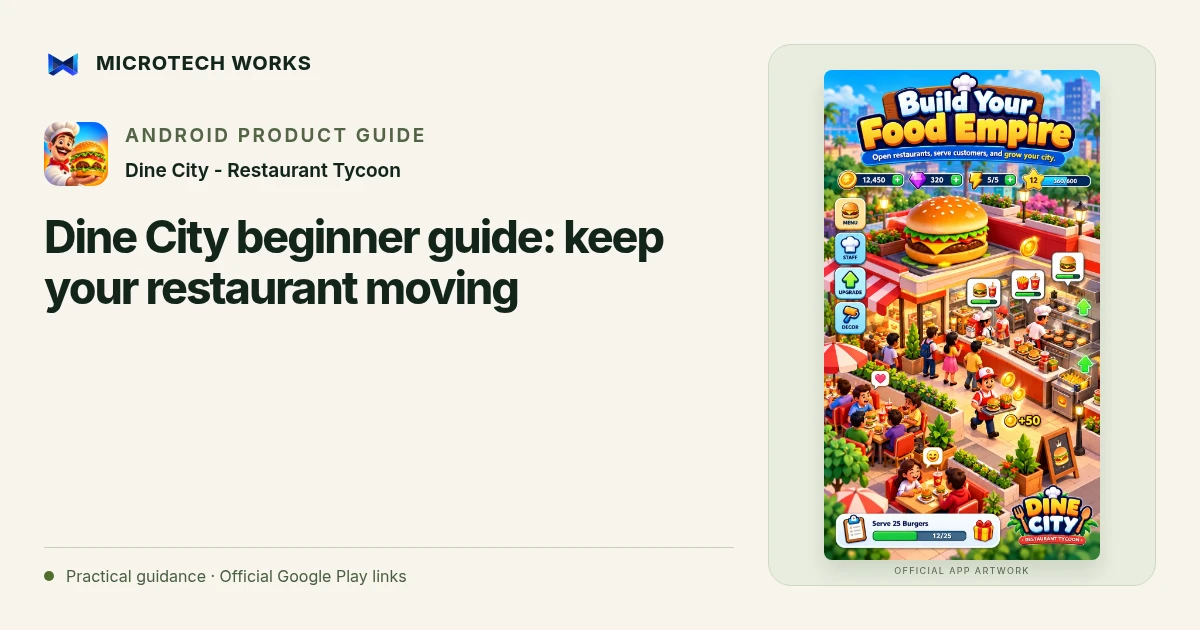
In Dine City - Restaurant Tycoon, progress depends on a connected restaurant workflow: ingredients become food, food reaches guests, payments are collected and the space is prepared for the next order. Start by understanding that loop before spending every coin on the first available upgrade.
Watch one complete order
Follow a guest’s order through the restaurant. Notice where ingredients come from, which cooking station is needed and what happens after service. Include payment collection and cleanup in your observation. A restaurant can feel busy while one small step repeatedly interrupts the entire flow. Learning the sequence makes later staff and station choices easier to understand.
Identify the actual bottleneck
If food is ready but guests are waiting, another cooking upgrade may not solve the current problem. If the kitchen cannot keep up, adding more tables may create a longer queue. Observe where work accumulates before choosing an upgrade. This is a gameplay approach, not a claim that one fixed sequence is optimal for every restaurant or update.
Add staff for the job that needs help
The published game includes roles such as cashier, chef, waiter and cleaner. Consider what each role changes in the loop you just observed. After hiring or improving a role, watch the workflow again rather than assuming that the next problem will be identical. A new station, recipe or restaurant layout can change which task limits the pace.
Expand with a plan for the next few orders
Keep enough room in your plan for the purchases that let the new restaurant function. Unlocking a larger setting is only one step; its service flow still needs to work. Try a short session in the new layout, then decide whether the next coins should go toward speed, capacity or another missing part of the sequence.
Dine City supports offline core play and locally saved progress. Ads and online options have separate connectivity requirements. The game is a restaurant simulation, not training for food-service operations or a prediction of real business income. Use each new kitchen as a fresh puzzle about flow, and review what changed instead of repeating an upgrade habit automatically.
Continue reading
For another part of this workflow, read Dine City upgrades: balance staff, tables and deliveries.
Published by Microtech Works, the developer of Dine City - Restaurant Tycoon. Product features were checked against the public listing on 31 October 2026. Screens and availability can change with updates.
Explore Dine City →Download Dine City →Official Google Play listing ↗Continue reading
01Dine City upgrades: balance staff, tables and deliveries02Add English captions to Android videos with PostStudio03Arrow Escape beginner guide: find the first clear path