
Nutopia combines a nuts-and-bolts sorting puzzle with boosters, daily activities and unlockable visual worlds. Those features can support different kinds of sessions, but they do not all solve the same problem. In Nutopia, begin by identifying whether you need to reverse a move, understand a route or change the available space.
Use undo to investigate a decision
When a recent move made the board harder to use, undo can restore a state you understand. Compare what becomes accessible again. The point is not simply to avoid a failed attempt; it is to recognize which colour or gap you needed to preserve. Trying a different next move makes the reversal useful.
Read a hint as a small lesson
A hint can point toward progress, but look at why the suggested move is legal and what it exposes. Does it join matching colours, create space or reveal a nut below? Connecting the suggestion to the board gives you something to apply to another arrangement instead of using every hint as a command with no explanation.
Check what shuffle and extra space change
The published game includes Shuffle and Add Bolt. Read the current in-game description and any displayed offer before using them. Extra capacity changes your room to maneuver; a changed arrangement changes the puzzle you are solving. After either intervention, inspect the board again rather than continuing the exact sequence you planned before it changed.
Keep cosmetic rewards separate from puzzle requirements
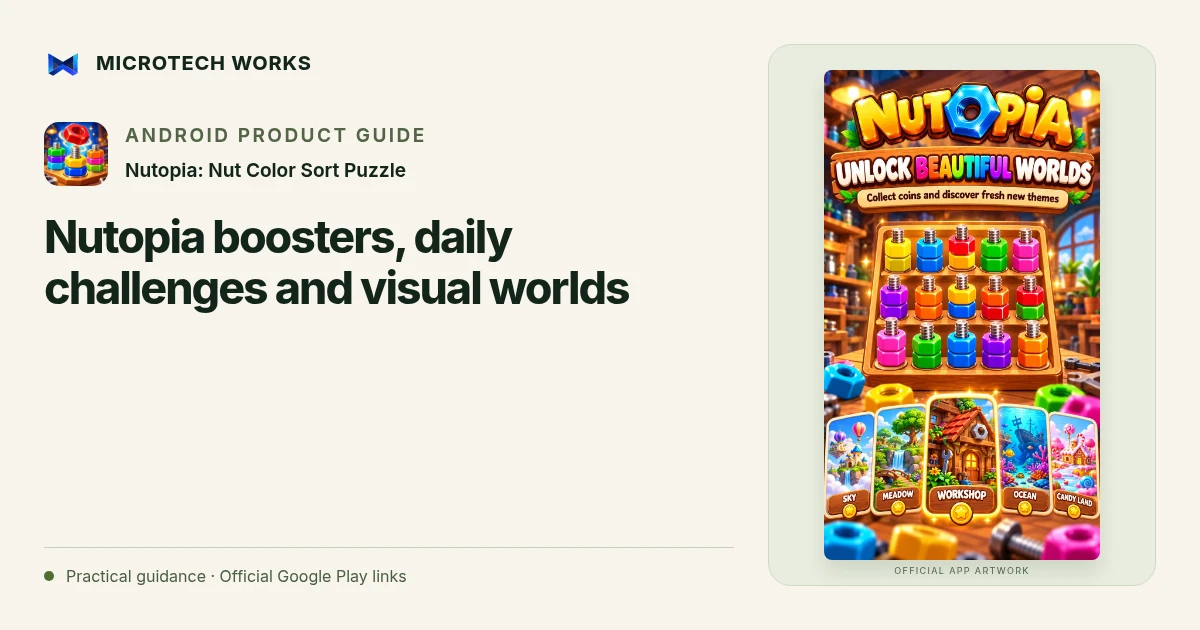
Earned coins and Theme Studio choices let you change the setting of play. Choose a background you enjoy and can read comfortably. A daily reward or world unlock can be an optional reason to return, not a requirement to play longer than you intended. Use the current game information for the cost and effect of a particular choice.
Offline core play and online reward availability are different. If you are away from a connection, do not build a session around an ad-dependent option. A useful routine can be one puzzle, one observation about a move and a visual setting you like. No particular booster order guarantees a result across every level or game update.
Continue reading
For another part of this workflow, read Nutopia beginner guide: match nuts and preserve bolt space.
Published by Microtech Works, the developer of Nutopia: Nut Color Sort Puzzle. Product features were checked against the public listing on 31 October 2026. Screens and availability can change with updates.
Explore Nutopia →Download Nutopia →Official Google Play listing ↗Continue reading
01Nutopia beginner guide: match nuts and preserve bolt space02Add English captions to Android videos with PostStudio03Arrow Escape beginner guide: find the first clear path