
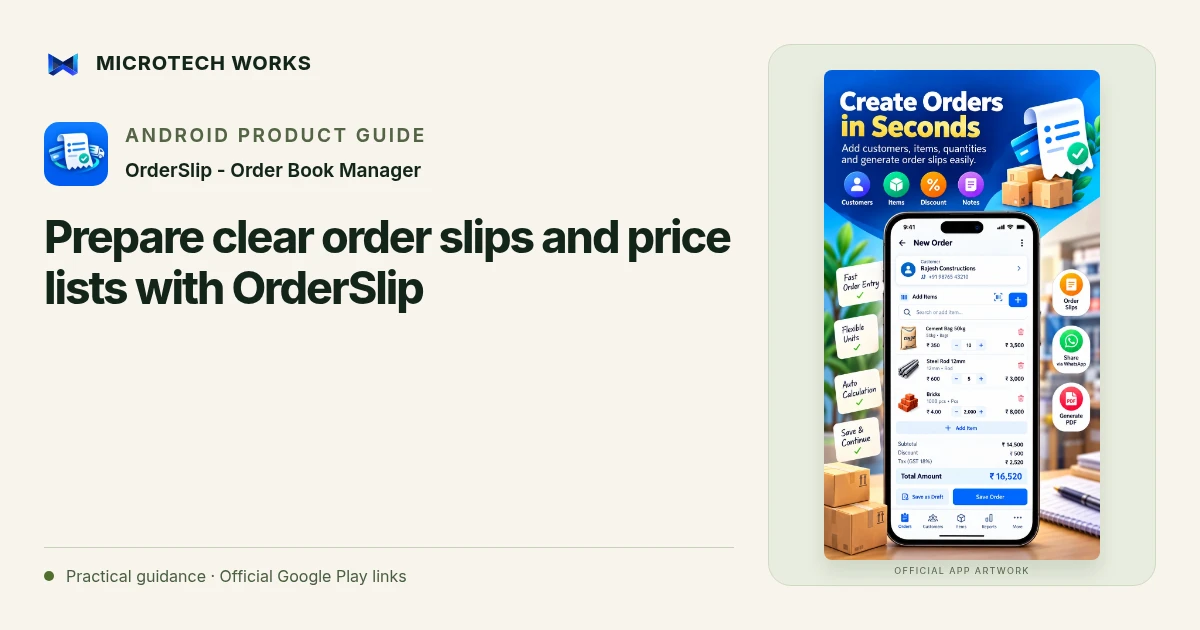
A useful order slip answers the customer’s next question without another phone call. It should make the items, quantities and remaining obligations easy to understand. OrderSlip supports shareable slips, payment receipts, delivery records and customer statements, with separate records for money and goods.
Make the item catalog understandable
Use names customers recognize and include the unit in your catalog. “Cable, per metre” is clearer than an internal shorthand that only the counter staff knows. Organize items into categories when that helps customers scan a price list. Review current rates before sharing; a price list copied into a message may remain in circulation after your catalog changes.
Check the order before generating a slip
Confirm the customer, quantity, unit and agreed selling rate. Review advances and any partial deliveries already recorded. Where a due amount is shown, verify it against received payments rather than retyping a remembered figure in a note. If you include a UPI payment QR, check the receiving details and the displayed amount before sending the document to a customer.
Choose a format for the recipient
OrderSlip supports PDF, image and text sharing, including through installed messaging apps. PDF is useful when you want the customer to keep a complete document. Text can be convenient for a quick confirmation, but a long list of items may be harder to read in a chat. Share only the record relevant to the recipient; a whole customer statement may disclose more transaction history than an individual delivery needs.
Keep shared records aligned with later changes
A document sent yesterday does not update itself when the order changes today. If quantities, payments or deliveries change, send an updated record with enough context to avoid confusion. Keep the earlier history in your own records instead of relying on a chat thread as the only source of truth.
OrderSlip can work offline for ordinary recordkeeping. Sending a document through an online service and using Google Drive backup still depend on those services and connectivity. Keep a recoverable backup of the business library, and remember that these order records do not replace tax invoices where those are required. A clear slip supports a good customer conversation; it does not by itself prove that payment was received or goods were delivered.
Continue reading
For another part of this workflow, read Track partial payments and deliveries without mixing them.
Published by Microtech Works, the developer of OrderSlip - Order Book Manager. Product features were checked against the public listing on 31 October 2026. Screens and availability can change with updates.
Explore OrderSlip →Download OrderSlip →Official Google Play listing ↗Continue reading
01Track partial payments and deliveries without mixing them02Add English captions to Android videos with PostStudio03Arrow Escape beginner guide: find the first clear path