
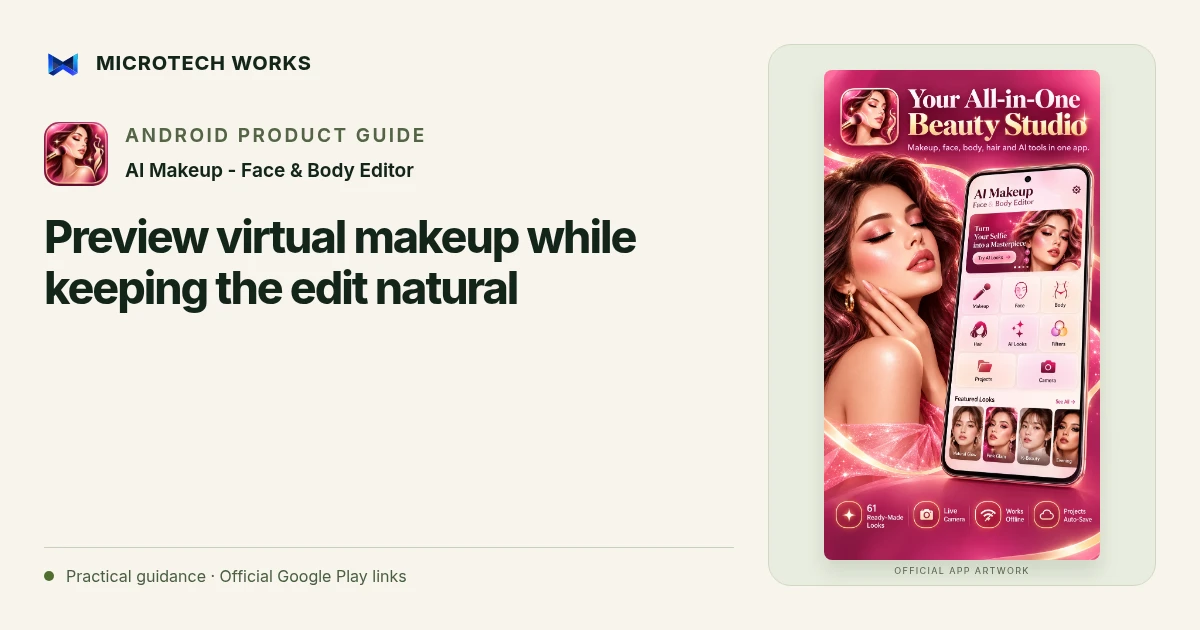
A virtual makeup preview is a way to explore a look, not a reliable prediction of how a real cosmetic product will appear on your skin. AI Makeup - Face & Body Editor offers live-camera looks, gallery editing and adjustable effects. Use those controls to compare possibilities while preserving enough of the source photo to make the comparison useful.
Choose a consistent starting photo
Use a well-lit image with a clear view of the face. Strong coloured lighting, deep shadows or an angle that hides an eye can change how an overlay looks. When comparing two styles, keep the source photo the same. Otherwise, a lighting change can seem like a difference in makeup even when the selected effect is similar.
Decide between live preview and gallery editing
The live beauty camera lets you see supported looks before taking a photo. Gallery editing is useful when you want more time to compare saved images or adjust an existing picture. Neither route requires every editing tool to be used. Begin with a single look and compare its strength before adding retouching, hair colour or other changes.
Adjust one feature at a time
Change the effect strength gradually and look at edges around eyes, lips and hair. If several strong adjustments are applied together, it becomes difficult to understand which one changed the result. Keep an original copy and compare it regularly. A preview intended for a personal style experiment has different goals from a faithful profile photograph or a product demonstration.
Review the final image outside the editor
Open the saved file at a realistic size. Check for clipped highlights, blurred details or an overlay that shifted as the face moved. If you share an edited before-and-after comparison, describe the editing honestly rather than presenting it as a guaranteed real-world result. Only edit and publish images you have permission to use.
The listing describes on-device editing, with some optional AI tools requiring model downloads and compatible hardware. Ads and certain unlocks need internet access. Ordinary makeup previews and the most demanding downloadable AI features should not be treated as the same device requirement.
Continue reading
For another part of this workflow, read Understand offline AI editing and phone requirements.
Published by Microtech Works, the developer of AI Makeup - Face & Body Editor. Product features were checked against the public listing on 31 October 2026. Screens and availability can change with updates.
Explore AI Makeup →Download AI Makeup →Official Google Play listing ↗Continue reading
01Understand offline AI editing and phone requirements02Add English captions to Android videos with PostStudio03Arrow Escape beginner guide: find the first clear path