
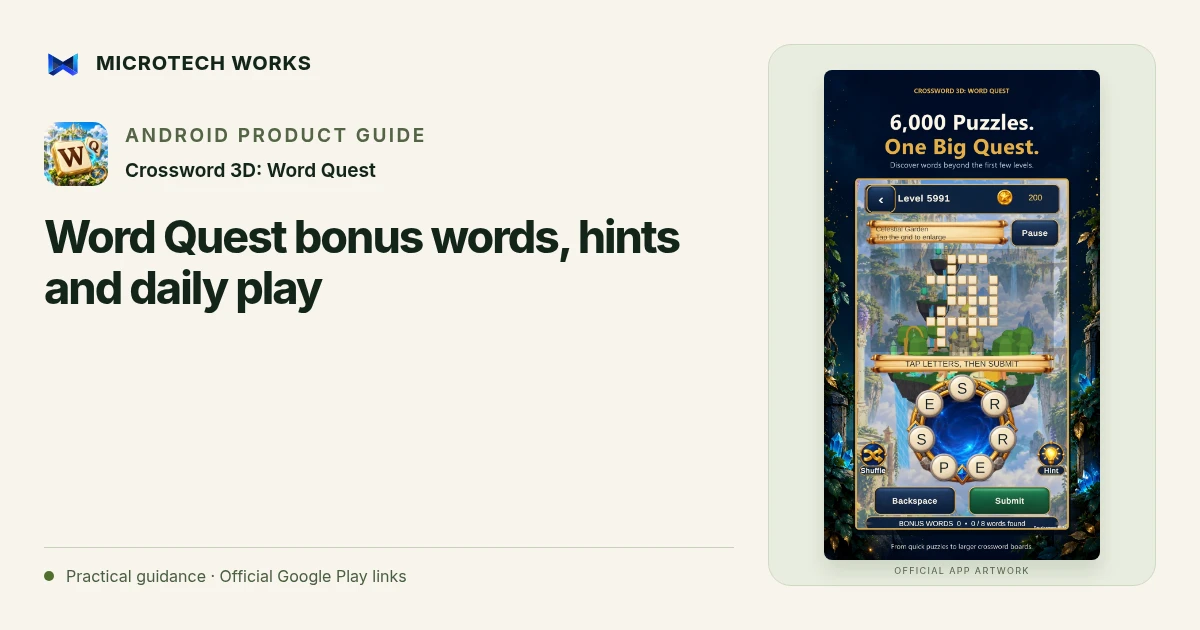
A word can be worth noticing even when it does not fill a slot on the main board. Crossword 3D: Word Quest includes bonus-word opportunities, coins, daily puzzles and island progression alongside its connected crossword grids. Keeping those goals distinct helps you choose what to do when a board slows down.
Separate the main grid from bonus opportunities
Read the spaces that still need to be filled before trying every word you can form. A valid bonus word may earn a reward without advancing a particular slot. If the main puzzle is your goal, use its lengths and crossings to guide the next attempt. Bonus discovery can be a pleasant side activity without becoming the only way you judge progress.
Use shuffle before assuming you need more information
A familiar arrangement can make one letter pattern dominate your attention. Shuffling offers another visual order. Look for a new starting point or word ending, then return to the constraints of the grid. The tool changes how you see the letters, not the meaning of the remaining slots.
Spend a hint on a question you understand
Before revealing a letter, choose the word or intersection you are trying to resolve. Once the hint is visible, consider the new possibilities rather than rushing into the first familiar word. A hint should reduce uncertainty. If you have not checked the length or crossing letters, you may be spending it on information the board already provides.
Keep the daily routine optional
A daily crossword and a developing island collection can give a session a direction. Choose an activity that fits your attention and time. The game has no countdown or lives in its published description, so there is room to pause. A streak or a cosmetic unlock should not make an optional puzzle feel like a task you must complete regardless of enjoyment.
Choose large text, reduced motion or sound settings when they make the game more comfortable. Local progress is not automatically a cloud-synchronized record on another phone. Check the installed version before changing devices or reinstalling. This guide describes the relationship between word play and progression, not a guarantee about rewards or a specific solution in every update.
Continue reading
For another part of this workflow, read Crossword 3D: connect letters and read the crossing words.
Published by Microtech Works, the developer of Crossword 3D: Word Quest. Product features were checked against the public listing on 31 October 2026. Screens and availability can change with updates.
Explore Crossword 3D →Download Crossword 3D →Official Google Play listing ↗Continue reading
01Crossword 3D: connect letters and read the crossing words02Add English captions to Android videos with PostStudio03Arrow Escape beginner guide: find the first clear path