
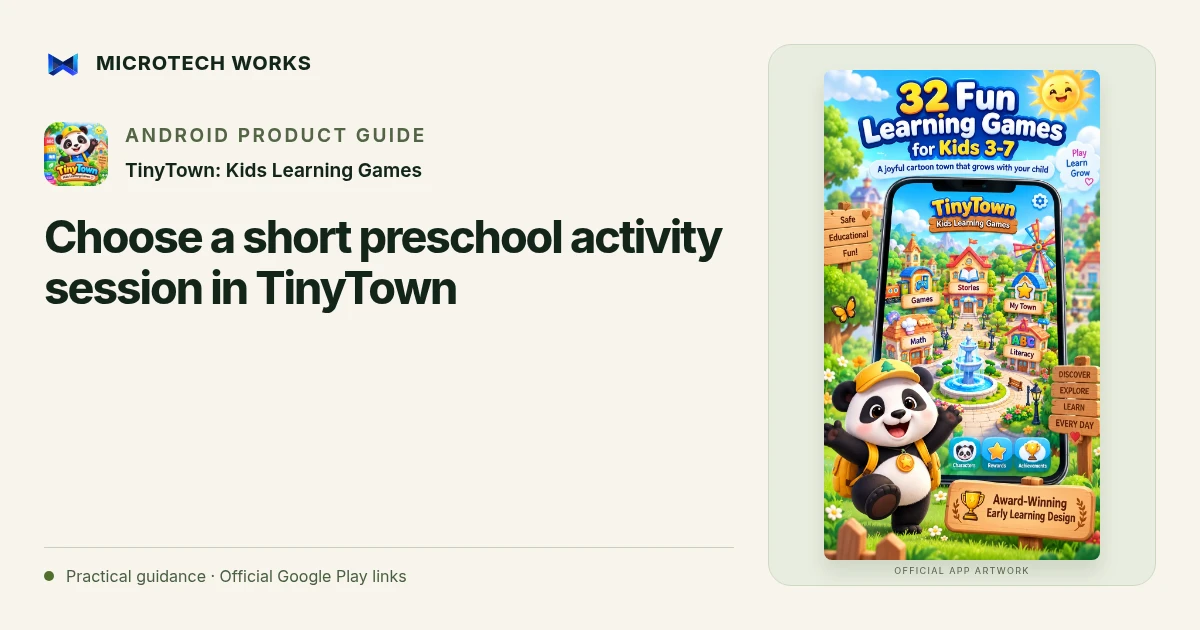
A preschool app session is easier to guide when it has a simple purpose: notice a sound, count a small set or explore a shape. TinyTown: Kids Learning Games includes activities for letters, numbers, colours, memory and other early skills, with spoken prompts and a protected parent area.
Choose an activity for the child in front of you
The published app is designed for roughly ages three to seven, but a listed age range is not a developmental assessment. Start with an activity the child can understand and adjust from what you observe. A child may enjoy one subject and find another tiring, even when both appear under the same age setting.
Listen to the first prompt together
Spoken instructions can help children who are not reading yet. Check the volume and watch the first interaction before assuming the task is clear. If the child repeatedly taps without understanding the goal, pause and explain the activity in ordinary language rather than simply encouraging faster completion.
Connect the screen activity to something familiar
After a counting or shape activity, you might notice a small group of objects or a similar shape nearby. This is a suggested family activity, not a measured claim about the app’s learning outcomes. Keep the interaction responsive to the child’s interest instead of treating every completed game as proof that a concept has been mastered.
Use the parent area as a review aid
TinyTown’s listing describes activity information and difficulty controls in the parent zone. Use that information alongside what you observed, not as a diagnosis, grade or substitute for a teacher’s assessment. Choose what to try next based on the experience rather than on a desire to fill every progress indicator.
The published product describes offline core play without third-party advertising. Check the current listing and app settings before handing over a device, and keep parent access protected. A calm stopping point matters as much as a clear beginning. The app can be one source of play and practice within a wider mix of conversation, physical activity, books and real-world exploration.
Continue reading
For another part of this workflow, read Prepare TinyTown stories and offline play for travel.
Published by Microtech Works, the developer of TinyTown: Kids Learning Games. Product features were checked against the public listing on 31 October 2026. Screens and availability can change with updates.
Explore TinyTown →Download TinyTown →Official Google Play listing ↗Continue reading
01Prepare TinyTown stories and offline play for travel02Add English captions to Android videos with PostStudio03Arrow Escape beginner guide: find the first clear path