
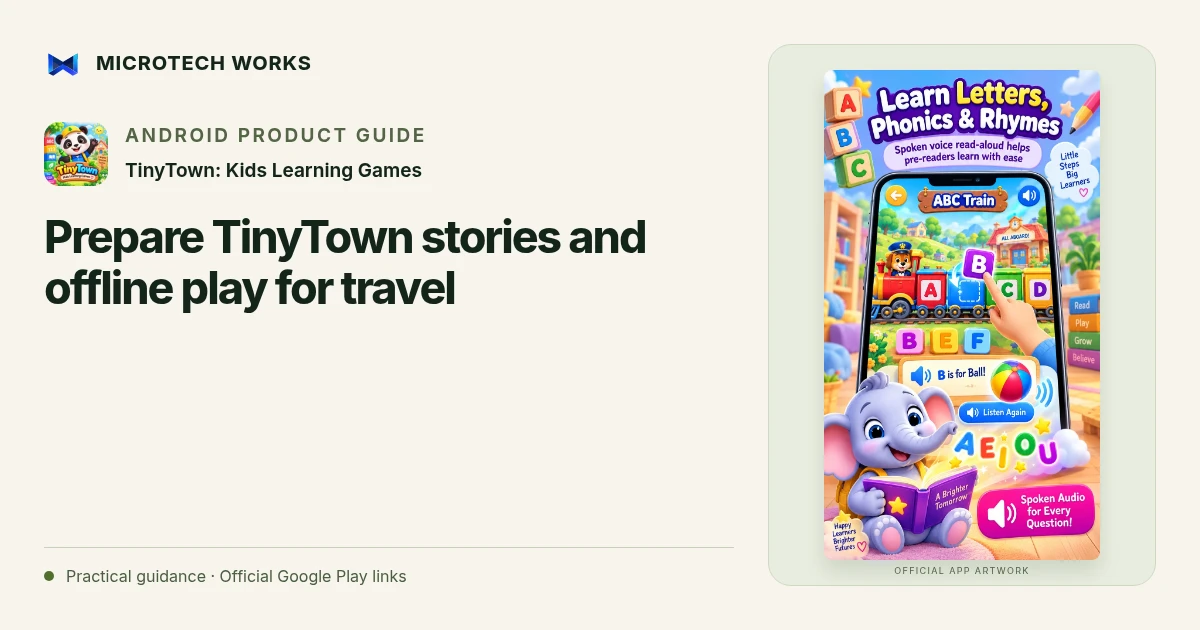
Preparing an app before travel avoids turning a quiet activity into a setup problem. TinyTown combines bundled learning activities with read-aloud stories and a playful town. Its published offline design is useful away from a connection, but it is still worth checking the actual phone or tablet in advance.
Open and test the app before departure
Complete installation while you have time and a suitable connection. Try one activity and one story, then check that they remain available without network access. Confirm that audio can be heard at a comfortable level and that the device has enough battery for its other jobs as well. A first test is more informative than assuming an installation icon means every practical detail is ready.
Choose a small activity plan
Pick a few familiar activities rather than presenting the entire town as something to finish. A story, a simple puzzle and a creative activity can offer different ways to engage. Match the choice to the child’s interest and the setting. During travel, the device should be used by a passenger and should not distract the person responsible for driving or supervising a safety-sensitive activity.
Check parent controls and comfort settings
Review the protected parent area and the settings relevant to the child. Check the device’s own access controls too, especially if it also contains messaging, purchases or private material outside the game. A parent gate inside one app is not a general guarantee about everything available on the phone.
Keep stories as a shared option
Read-aloud stories can be listened to together, paused or discussed. They do not need to become a task the child must complete on schedule. If a story is being used near bedtime, choose the volume, timing and stopping point in a way that suits your household rather than assuming an app can create a particular sleep outcome.
TinyTown’s product description covers its own offline activities and advertising behavior; it does not describe every service on the device. Keep a non-screen alternative available when the setting or the child’s preference changes. Preparation is about making one optional activity easy to use, not making the trip depend on a tablet staying available.
Continue reading
For another part of this workflow, read Choose a short preschool activity session in TinyTown.
Published by Microtech Works, the developer of TinyTown: Kids Learning Games. Product features were checked against the public listing on 31 October 2026. Screens and availability can change with updates.
Explore TinyTown →Download TinyTown →Official Google Play listing ↗Continue reading
01Choose a short preschool activity session in TinyTown02Add English captions to Android videos with PostStudio03Arrow Escape beginner guide: find the first clear path