
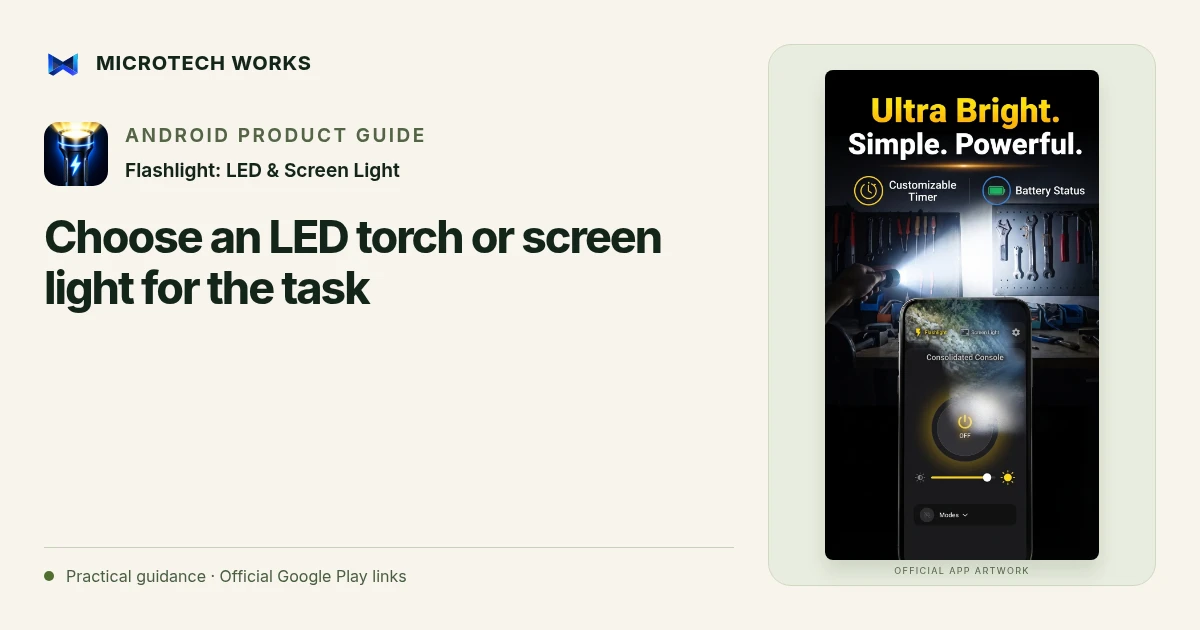
A rear LED torch and a screen light illuminate differently. The torch is useful for a more directed beam, while the display can provide a broader, softer light close to the phone. Flashlight: LED & Screen Light offers both, so choose for the task and test the result instead of assuming that the brightest setting is always the most useful.
Use the rear LED for a directed view
Point the phone where you need to see and check whether the light creates glare or a harsh shadow. Brightness adjustment depends on device support. If a control is unavailable, do not assume the app can create a hardware capability the phone does not expose. Avoid shining a bright light into someone’s eyes or using the phone in a way that distracts from another task.
Use the display for close, softer illumination
A screen light can be helpful near a desk, bedside or object you want to see at close range. Adjust its brightness and colour for the situation. It is still a phone screen, not a calibrated photographic lamp, so do not expect colour-critical work to look identical under every display setting.
Check what happens when another app uses the camera
The rear torch can be affected by camera access, device temperature or operating-system restrictions. Test the combination you intend to use, especially if you plan to switch between a camera app and a utility light. A light that turns on during a quick test should still be checked when the conditions change.
Keep a simple shutdown and battery routine
Turn the light off when the task is finished and check the phone’s remaining battery if you need it for other purposes. Continuous bright illumination can consume power and generate heat. Give the phone an appropriate place to rest instead of covering it or placing it where it may fall.
The app provides useful everyday illumination, not a guarantee of emergency equipment performance. Keep a separate suitable light where safety depends on reliable lighting. No internet connection is needed for ordinary torch and screen-light use in the published product, but physical battery capacity and supported device behavior remain important limits.
Continue reading
For another part of this workflow, read Use quick torch controls and signal modes thoughtfully.
Published by Microtech Works, the developer of Flashlight: LED & Screen Light. Product features were checked against the public listing on 31 October 2026. Screens and availability can change with updates.
Explore FlashLight Torch →Download FlashLight Torch →Official Google Play listing ↗Continue reading
01Use quick torch controls and signal modes thoughtfully02Add English captions to Android videos with PostStudio03Arrow Escape beginner guide: find the first clear path