
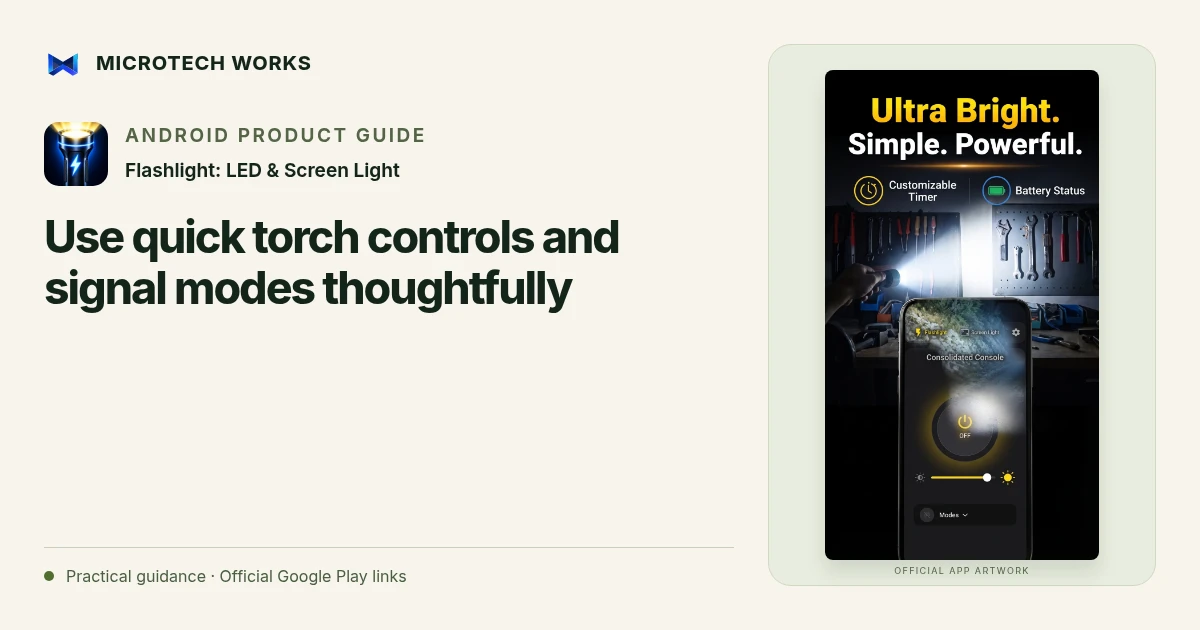
A shortcut is useful only when you know what it will do from the screen you are actually using. Flashlight describes a Quick Settings tile, a home-screen widget and signal-light capabilities alongside the main torch and screen modes. Prepare those controls before the moment when you need them.
Test the shortcut on your own phone
Add the supported control using the Android options available on the device, then try turning the light on and off. Confirm whether the action operates the rear torch or opens the app. Android versions and manufacturers can arrange these controls differently, so use the phone’s current interface rather than assuming an exact sequence of menu labels.
Make the off state easy to recognize
The listing describes an active-light notification with an off action. Check how it appears on your device and make sure you can end a session without searching through several screens. A shortcut should reduce effort, not leave the torch running unnoticed after a short task. Review behavior after a major system update if you rely on the shortcut regularly.
Treat signal modes as optional tools
A flashing or SOS-style light can make a phone visually noticeable, but it is not a substitute for contacting emergency services or using appropriate safety equipment. Consider the people around you before enabling flashing light. Choose steady illumination when the task is simply to see an object or read nearby material.
Keep the phone available for its other jobs
A phone used as a light may also be your way to communicate, navigate or access an important document. Check its power level and avoid unnecessary heat or extended maximum-brightness use. If the light stops because of the device’s condition, repeatedly toggling a shortcut may not resolve the underlying limit.
For everyday use, practice the controls in a safe setting, choose a suitable brightness and end the session deliberately. For situations where reliable illumination matters to safety, carry an independent light designed for that purpose. The benefit of a phone utility is convenience; it should not be treated as a promise that the device can always provide light under every condition.
Continue reading
For another part of this workflow, read Choose an LED torch or screen light for the task.
Published by Microtech Works, the developer of Flashlight: LED & Screen Light. Product features were checked against the public listing on 31 October 2026. Screens and availability can change with updates.
Explore FlashLight Torch →Download FlashLight Torch →Official Google Play listing ↗Continue reading
01Choose an LED torch or screen light for the task02Add English captions to Android videos with PostStudio03Arrow Escape beginner guide: find the first clear path