
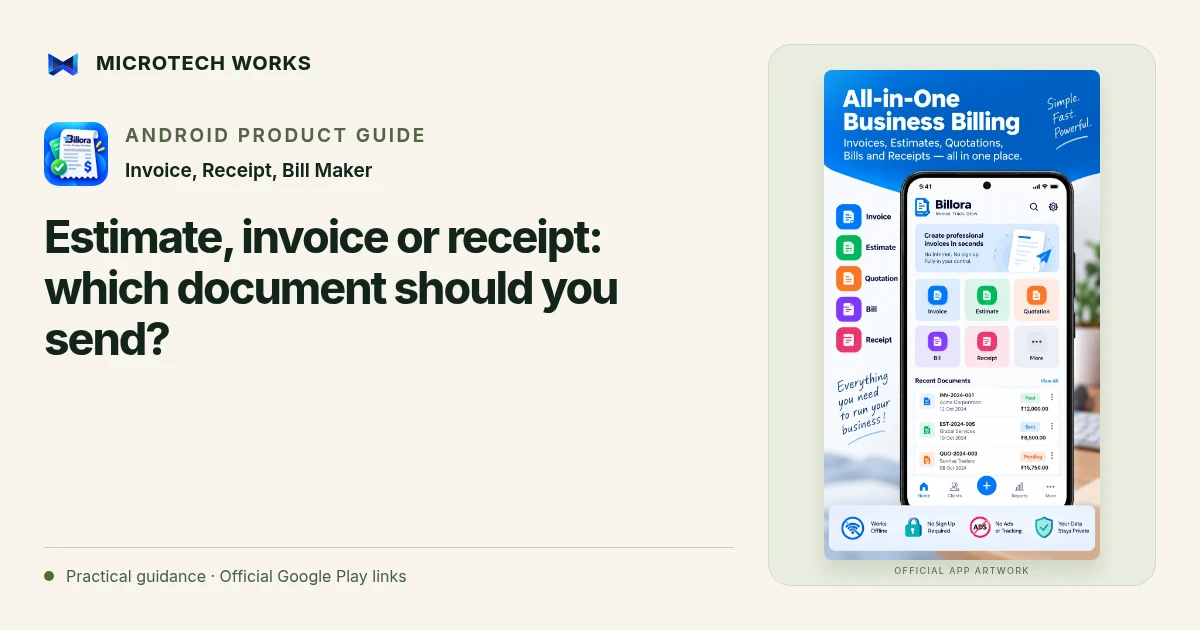
An estimate proposes a price, an invoice requests payment for agreed work or goods, and a receipt records a payment. They support different moments in a customer relationship. Billora can create these document types and convert between supported stages, but a clear workflow still begins with understanding which record the situation needs.
Use an estimate before the agreement is final
Describe what you are proposing, the quantities or scope, and any assumptions behind the price. A repair estimate might depend on what an inspection reveals; a project estimate might exclude an optional service. Put those assumptions in plain language. Do not present an estimate as proof that the customer has ordered, paid or accepted every item.
Use an invoice for the agreed charge
Once the relevant work or supply is agreed, check the customer details, line items, currency, dates and payment terms. Billora supports reusable client and item records, which can reduce repeated typing. Reuse is helpful only when the stored details are still correct. A saved address, rate or tax field should be reviewed when the business arrangement changes.
Use a receipt for the amount received
A paid invoice and a payment receipt answer related but different questions. If a customer pays only part of an amount, the receipt should reflect that payment rather than imply that the entire charge has been settled. Keep the invoice balance consistent with the payment history, and review exported documents before sharing them.
Check the document chain
For a simple illustrative job, you might send an estimate, agree the final scope, issue an invoice and record a payment. Billora’s supported conversions can help preserve a consistent workflow, but they do not remove the need to check what changed between stages. Pay particular attention to discounts, shipping, deposits and the final amount due.
Tax treatment, mandatory invoice fields and the legal effect of a document depend on your jurisdiction and transaction. Choose the appropriate configuration with your accountant or adviser; a template alone does not establish compliance. Keep exported copies and a backup of the app library so that the customer conversation, document history and payment record can be reviewed together later.
Continue reading
For another part of this workflow, read Record invoice deposits and partial payments in Billora.
Published by Microtech Works, the developer of Invoice, Receipt, Bill Maker. Product features were checked against the public listing on 31 October 2026. Screens and availability can change with updates.
Explore Billora →Download Billora →Official Google Play listing ↗Continue reading
01Record invoice deposits and partial payments in Billora02Add English captions to Android videos with PostStudio03Arrow Escape beginner guide: find the first clear path