
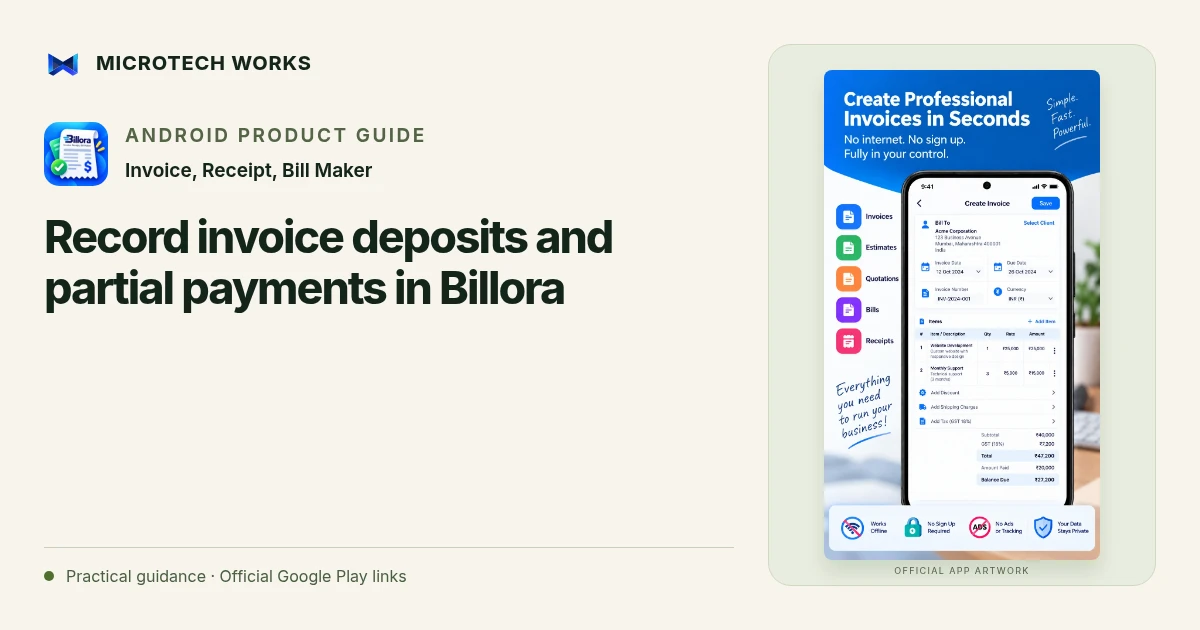
A deposit should reduce the remaining amount due without hiding the original invoice value. Billora supports advances, partial payments and invoice balances, so a business can distinguish what was charged from what has actually been collected. The example below is about organizing records, not financial, legal or tax advice.
Preserve the agreed invoice value
Suppose an agreed service costs ₹12,000 before any applicable adjustments. Check the actual invoice total after discounts, taxes or extra charges rather than using the headline price from a conversation. Keep the currency and client details consistent. If the scope changes, resolve the document change explicitly instead of altering an old total simply to match cash received.
Enter the deposit as a payment
An illustrative ₹3,000 deposit against a ₹12,000 final total leaves ₹9,000 due. Record the amount, date and payment method when you verify receipt. A requested advance, an unconfirmed transfer or a customer’s promise should not become a received payment entry. This distinction keeps the balance meaningful when you return to the invoice later.
Review each later payment separately
If the customer subsequently pays ₹5,000, the illustrative outstanding balance becomes ₹4,000. A receipt for the second payment should not suggest that the entire invoice is settled. Before exporting or sharing, compare the document’s paid amount and due amount with your payment records. Billora’s invoice status and customer statement features can support this review, but the original evidence of payment still matters.
Make closing and backup part of the routine
At settlement, check that the remaining balance is actually zero and that the customer has the relevant final documents. Use a consistent invoice-numbering approach so you can find the right record without relying only on a name or phone message. Export the records you need for your books, then create a recoverable local or optional Google Drive backup.
For a recurring client, do not assume a payment on one invoice settles another. Review the individual documents and the customer-level statement together. Where refunds, withholding or tax adjustments are involved, obtain the appropriate accounting guidance instead of forcing the figures into a simple deposit example.
Continue reading
For another part of this workflow, read Estimate, invoice or receipt: which document should you send?.
Published by Microtech Works, the developer of Invoice, Receipt, Bill Maker. Product features were checked against the public listing on 31 October 2026. Screens and availability can change with updates.
Explore Billora →Download Billora →Official Google Play listing ↗Continue reading
01Estimate, invoice or receipt: which document should you send?02Add English captions to Android videos with PostStudio03Arrow Escape beginner guide: find the first clear path