
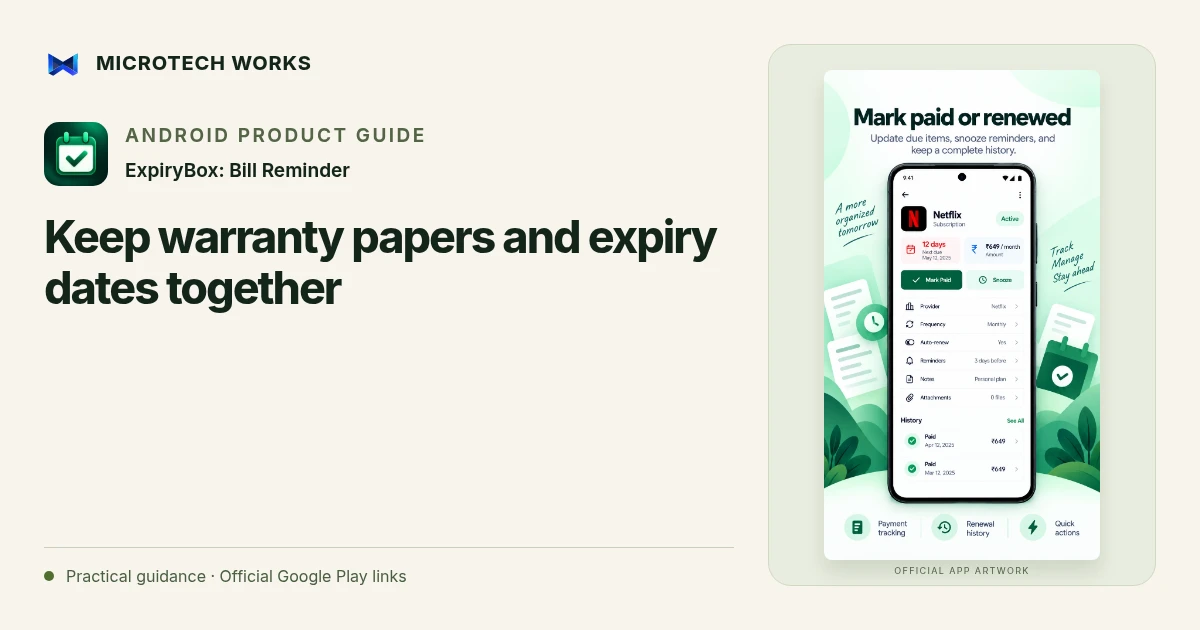
An expiry reminder becomes more useful when the supporting document is easy to find. ExpiryBox can hold dates, notes, reference numbers and attachments for warranties, insurance, documents and other renewals. The aim is to keep a small, understandable record that helps you take the next step when the reminder appears.
Identify what the date actually means
A warranty end date, a premium due date and a document expiry date may belong to the same item but represent different obligations. Create separate reminders when the actions differ. Record the date from the source document and note any uncertainty that still needs checking. Do not turn an assumed anniversary into a confirmed expiry date just because the app needs a value.
Attach enough evidence to act
For an appliance warranty, a readable purchase receipt, product reference and provider details may be useful. For a document renewal, you may need the official instructions rather than every page of an identity record. Review what you attach and who can access the device or exported backup. Keeping a record convenient should not mean keeping unnecessary sensitive information everywhere.
Set reminders around the work required
If renewal needs an appointment, inspection or replacement document, allow time for those steps. Choose reminder intervals to match the actual process rather than using the same schedule for every item. The app’s categories and calendar can help you review what is approaching, while the relevant provider remains the authority on validity, coverage and renewal requirements.
Keep the library recoverable
After a renewal or replacement, update the entry and keep the new reference distinct from the old one. Check whether an exported backup contains the material you would need after a phone failure. Store the backup somewhere you can access independently of that device, with appropriate protection for its contents.
A photo in an app does not necessarily replace an original certificate, policy or identity document. Keep originals where required and check official instructions before relying on a digital copy. ExpiryBox organizes dates and evidence; it does not verify document authenticity, insurance coverage or your legal permission to use an expired item.
Continue reading
For another part of this workflow, read Organize subscription renewals before the next bill.
Published by Microtech Works, the developer of ExpiryBox: Bill Reminder. Product features were checked against the public listing on 31 October 2026. Screens and availability can change with updates.
Explore ExpiryBox →Download ExpiryBox →Official Google Play listing ↗Continue reading
01Organize subscription renewals before the next bill02Add English captions to Android videos with PostStudio03Arrow Escape beginner guide: find the first clear path