
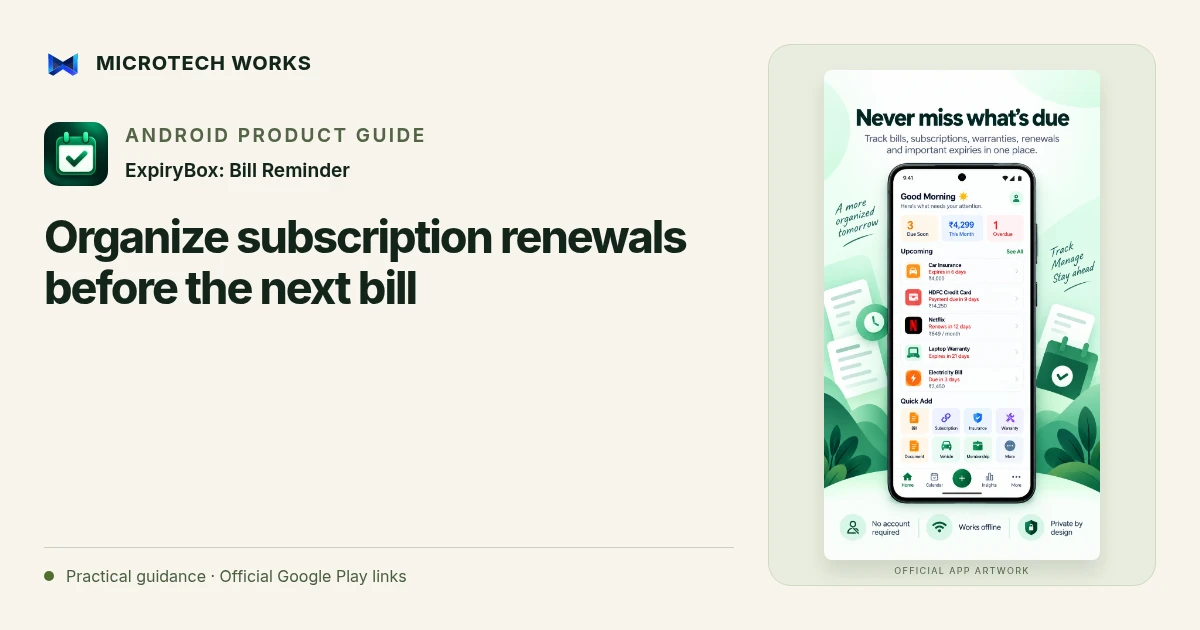
A subscription list is useful when it tells you what renews, when a decision is needed and where to check the actual agreement. ExpiryBox combines recurring due dates, reminders, notes and spending summaries. Start with the subscriptions you can verify rather than trying to reconstruct every past charge from memory.
Record the next date from the provider
Use the renewal date and billing cycle shown in the provider’s own account or document. Distinguish a monthly payment from a yearly contract paid in installments. If an introductory offer ends, note that separately so the current amount does not become a permanent assumption. A reminder entry is your record of the arrangement, not a live connection to the provider’s billing system.
Put a decision reminder before the due date
A notice on the payment date may arrive too late if you need time to review usage or cancel. ExpiryBox supports several advance reminder intervals and custom schedules. Choose an interval based on the actual provider’s conditions. Do not assume that a particular reminder period satisfies a cancellation deadline; check the agreement itself.
Keep the reference with the reminder
Add a useful note, receipt, account reference or relevant document so that the next review does not become a search through old messages. Avoid storing more sensitive material than you need. Use the app lock where appropriate and keep the device protected. The app does not need a bank login for ordinary tracking, so you remain responsible for checking whether payment actually occurred.
Reconcile renewals instead of letting the list drift
When you pay or renew, use the corresponding record action and review the next calculated due date. If the amount or cycle changed, update the entry. A projected yearly cost is only as accurate as the recurrence and amount you entered; it is not a bank reconciliation or a forecast of every possible charge.
Review reminders after changing phones, notification permissions or battery settings, and keep a separate backup of important records. ExpiryBox supports offline use and backup/export options. It can help you organize a decision, but it cannot cancel a subscription for you, verify a provider’s current terms or guarantee that a payment will never be missed.
Continue reading
For another part of this workflow, read Keep warranty papers and expiry dates together.
Published by Microtech Works, the developer of ExpiryBox: Bill Reminder. Product features were checked against the public listing on 31 October 2026. Screens and availability can change with updates.
Explore ExpiryBox →Download ExpiryBox →Official Google Play listing ↗Continue reading
01Keep warranty papers and expiry dates together02Add English captions to Android videos with PostStudio03Arrow Escape beginner guide: find the first clear path