
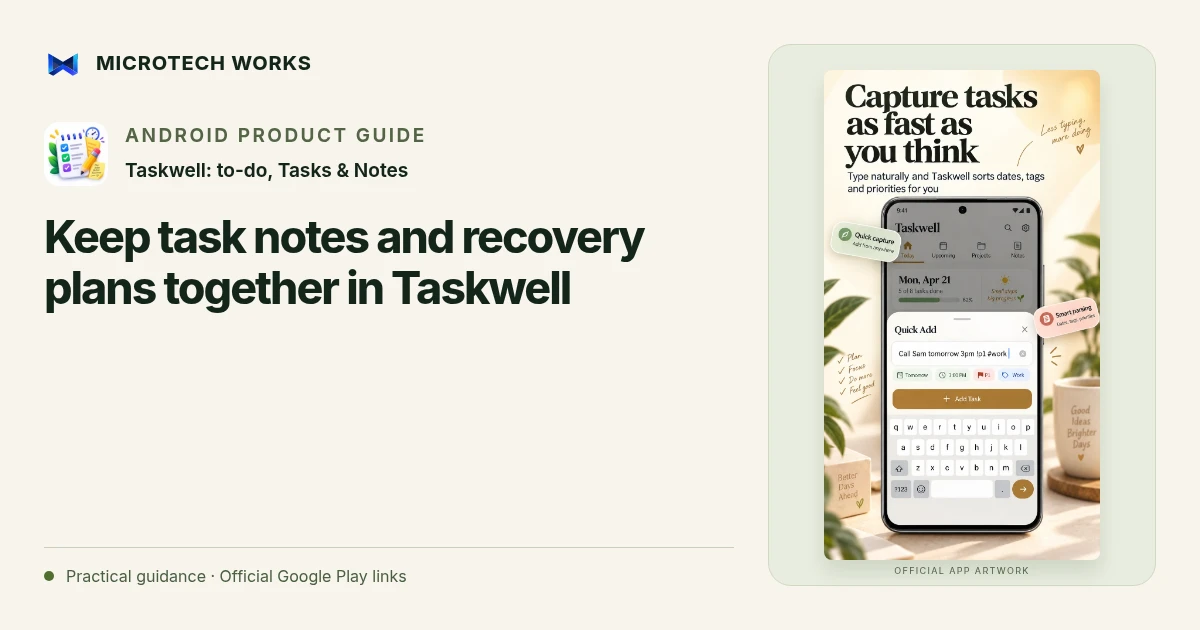
A task title tells you what to do; a note can preserve why it matters and what completing it should produce. Taskwell combines task management with Markdown notes and direct note linking. That makes it possible to keep reference material near the action without turning every checklist item into a long document.
Separate reference from the next action
For a meeting, keep the background, decisions and supporting links in a note. Create distinct tasks for the actions you actually agreed to take. A note headed “website launch” can hold the launch context, while a task such as “check the enquiry form on mobile” gives you a specific next step. The two records serve different purposes even when they belong to one project.
Make linked notes useful at the moment of work
Put the acceptance conditions or short checklist near the beginning of the note. Use Markdown headings and lists to make a longer reference easy to scan. Avoid storing passwords, API keys or other secrets in a general project note. If the task needs a protected credential, record where the authorized credential is managed instead of copying it into every related record.
Keep standalone notes from becoming invisible tasks
A reference note may be worth saving without creating a deadline. Conversely, a paragraph that says “remember to call the supplier” may deserve its own actionable task. Review the relationship when you close a task: a useful reference note can remain, while an obsolete plan may need cleanup. Completion statistics are about recorded task behavior, not proof of business outcomes.
Plan recovery before you need it
Taskwell supports manual JSON backup and optional Google Drive app-data backup. A local backup is useful only if you can find it after a device failure; keeping the only copy on the same phone leaves that dependency unchanged. Record where you saved an export and check the restore process with non-critical data before making it your only recovery plan.
Optional backup should not be assumed to provide simultaneous collaboration or a live shared board. Use the behavior described by the current app version, and verify what a restored library contains before deleting the original. Keep notes, tasks and recovery decisions understandable enough that your future self can resume the work.
Continue reading
For another part of this workflow, read Plan a realistic week with Taskwell lists and Kanban.
Published by Microtech Works, the developer of Taskwell: to-do, Tasks & Notes. Product features were checked against the public listing on 31 October 2026. Screens and availability can change with updates.
Explore Taskwell →Download Taskwell →Official Google Play listing ↗Continue reading
01Plan a realistic week with Taskwell lists and Kanban02Add English captions to Android videos with PostStudio03Arrow Escape beginner guide: find the first clear path