
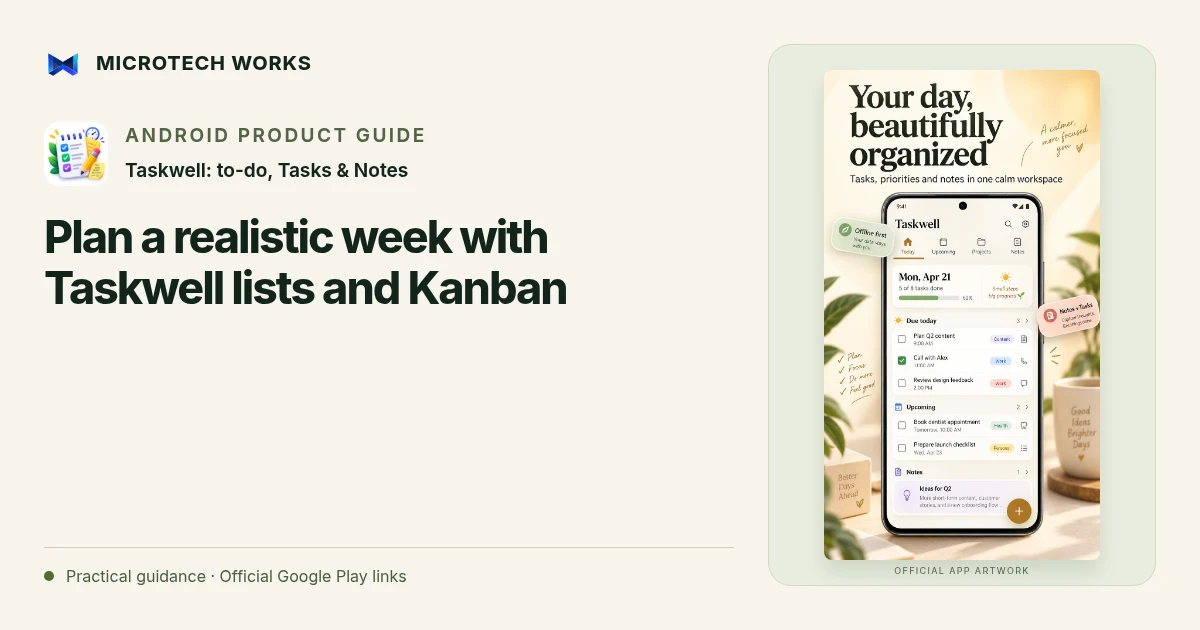
A weekly plan is easier to use when it separates tasks you intend to finish from ideas you may return to later. Taskwell offers lists, Kanban and calendar views of your work. Those views can support a planning routine without requiring you to rebuild the same task in several different systems.
Capture tasks before assigning every date
Start by collecting what is on your mind. Give each task a clear action: “draft the first proposal page” is easier to assess than “proposal.” Add project or context tags where they help you find the work later. Taskwell’s natural-language entry supports scheduling information, but you do not have to give every idea an urgent due date just to save it.
Use the board to notice work in progress
A Kanban view can separate work that has not started, work underway and work completed. Move a task when its actual state changes rather than using the board as a second list of hopes. If everything sits in progress, choose what you will actively work on next and make the rest visibly waiting. The board helps expose the decision; it does not decide capacity for you.
Put genuine commitments on the calendar
Use dates and time blocks for work that needs a specific place in the week. Leave room for the tasks you cannot accurately estimate yet and for interruptions you already expect. A calendar full of overlapping blocks is not evidence that the week is feasible. Compare the planned blocks with real appointments before relying on reminders.
Review the plan instead of endlessly rebuilding it
At the end of the week, look at unfinished tasks and ask why they remained open. The task may have been too broad, dependent on another person or less important than it first appeared. Rewrite or reschedule it deliberately rather than copying the entire backlog forward unchanged.
Taskwell keeps the main working data on the device and supports optional Google Drive app-data backup. A recurring task or a notification is an organizational aid, not a guarantee that work will be completed. Keep reference notes next to tasks when they explain the outcome you need, and back up important planning material before changing phones or reinstalling.
Continue reading
For another part of this workflow, read Keep task notes and recovery plans together in Taskwell.
Published by Microtech Works, the developer of Taskwell: to-do, Tasks & Notes. Product features were checked against the public listing on 31 October 2026. Screens and availability can change with updates.
Explore Taskwell →Download Taskwell →Official Google Play listing ↗Continue reading
01Keep task notes and recovery plans together in Taskwell02Add English captions to Android videos with PostStudio03Arrow Escape beginner guide: find the first clear path