
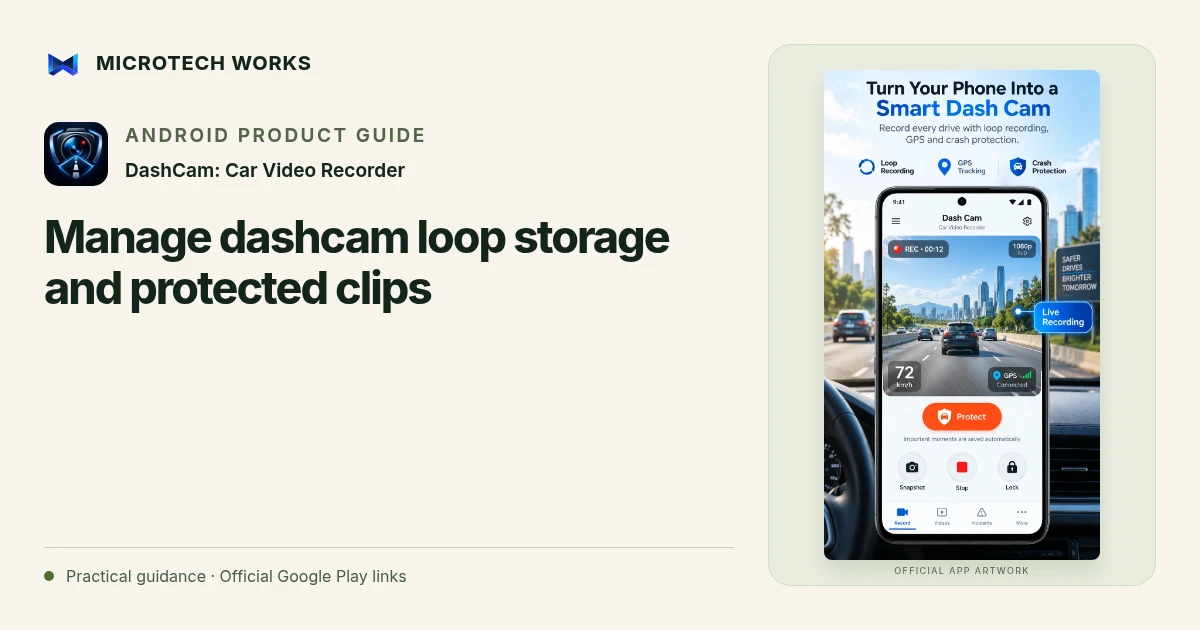
Loop recording is useful for routine journeys because storage is finite. Protected footage serves a different purpose: keeping a clip you may need later. DashCam: Car Video Recorder separates ordinary loop recordings from protected or incident clips, so your setup should account for both kinds of storage.
Choose a practical recording budget
Before driving, check the phone’s free space and choose settings it can sustain. Higher resolution and frame rate can use more storage and increase the device workload. Start with a short stationary test and review the result before relying on a long recording session. A storage estimate is an estimate, not a promise about how every journey or device will behave.
Understand what loop cleanup removes
The app records in segments and can remove older unprotected footage when the selected storage limit is reached. That is different from keeping an unlimited archive of every trip. If a normal clip matters, review and protect or export it before it becomes an old segment eligible for cleanup. Do that only when safely stopped.
Review protected footage separately
Manual protection and impact-based protection can help preserve important moments, but a motion sensor does not establish that an incident occurred or that every relevant moment was captured. Check the clip itself, its surrounding context and its playback. Protected recordings also consume space, so a growing protected library needs deliberate management.
Export a checked copy when needed
Open the exported file and verify the time range, audio if relevant, and visible detail. Keep an original copy when the footage may be important. If you choose optional Google Drive backup for selected protected clips, confirm completion rather than assuming that selection means a successful upload. Connectivity and the external service still matter.
Set up and test the phone while stationary, use a mount that does not obstruct your view and follow local recording and road-use rules. A phone app is not a guarantee of evidence quality or a substitute for safe driving. Heat, power, Android restrictions and camera availability can affect a session even when storage settings look correct.
Continue reading
For another part of this workflow, read Prepare an Android phone dashcam before a trip.
Published by Microtech Works, the developer of DashCam: Car Video Recorder. Product features were checked against the public listing on 31 October 2026. Screens and availability can change with updates.
Explore DashCam →Download DashCam →Official Google Play listing ↗Continue reading
01Prepare an Android phone dashcam before a trip02Add English captions to Android videos with PostStudio03Arrow Escape beginner guide: find the first clear path