
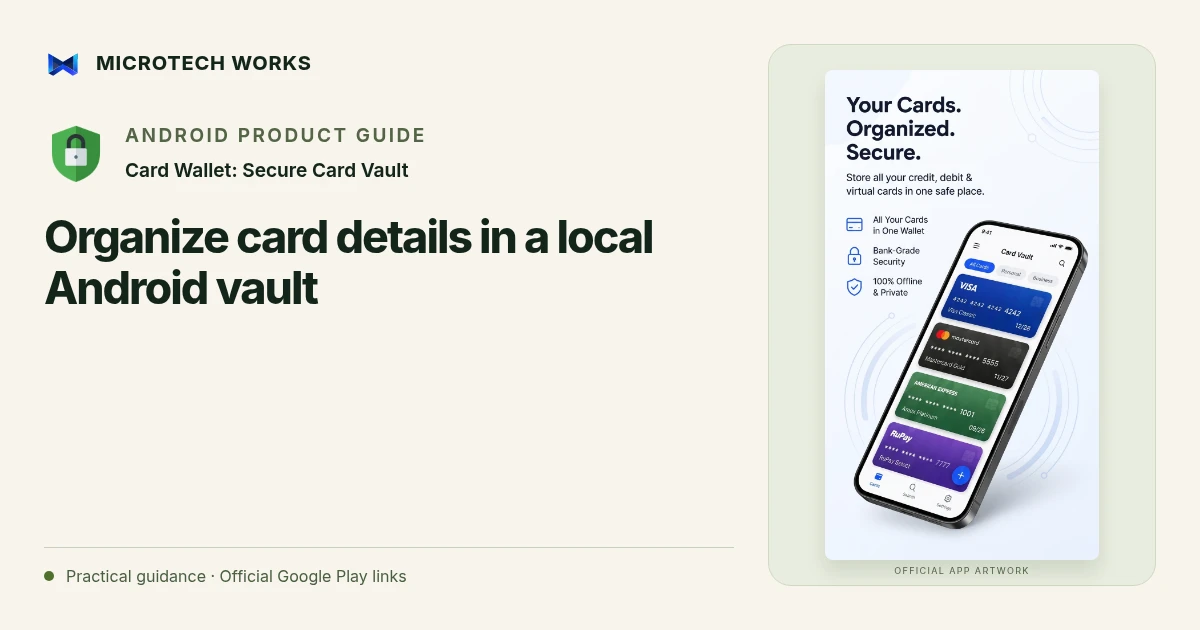
A card vault organizes sensitive card details; it does not become your bank, payment processor or proof of card ownership. Card Wallet: Secure Card Vault describes local encrypted storage, PIN or password access and supported device biometrics. Use those features as part of a wider device-security routine rather than treating an app as an absolute guarantee.
Review the purpose before storing a real card
Decide which information you actually need on the phone. Read the current app listing and privacy information, and use a non-sensitive test record to understand the workflow first. A card vault is not necessarily a tap-to-pay wallet. Do not assume that storing a number means the app can authorize a payment or replace a card issuer’s own service.
Use labels that reduce mistakes
Choose a recognizable bank or purpose label and distinguish personal from business use where that helps. Review the details you enter or scan before saving. Camera recognition can reduce typing, but it is still important to compare the result with the source. Avoid sharing screenshots, exported records or copied details in ordinary chat messages.
Treat device access as part of the system
Use a suitable Android screen lock and review the vault’s lock and inactivity behavior. Keep recovery information secure and separate from the device where appropriate. Biometrics provide a convenient way to unlock supported devices, but they do not remove the need to understand the underlying PIN or password and any recovery limits.
Check copying and cleanup behavior
The listing describes screenshot restrictions and clipboard clearing after copying. These reduce some exposure paths; they do not make every receiving app, keyboard or device environment trustworthy. Copy sensitive details only when needed, paste into the intended destination and avoid leaving the phone unlocked around others.
Before relying on the vault, decide how you would recover its contents after a lost phone or a forgotten credential. Keep issuer contact methods available through trusted channels. If a card may be compromised, contact the issuer; deleting a local record is not the same as blocking the card or reversing a transaction.
Continue reading
For another part of this workflow, read Plan a recoverable encrypted card-vault backup.
Published by Microtech Works, the developer of Card Wallet: Secure Card Vault. Product features were checked against the public listing on 31 October 2026. Screens and availability can change with updates.
Explore Card Wallet →Download Card Wallet →Official Google Play listing ↗Continue reading
01Plan a recoverable encrypted card-vault backup02Add English captions to Android videos with PostStudio03Arrow Escape beginner guide: find the first clear path