
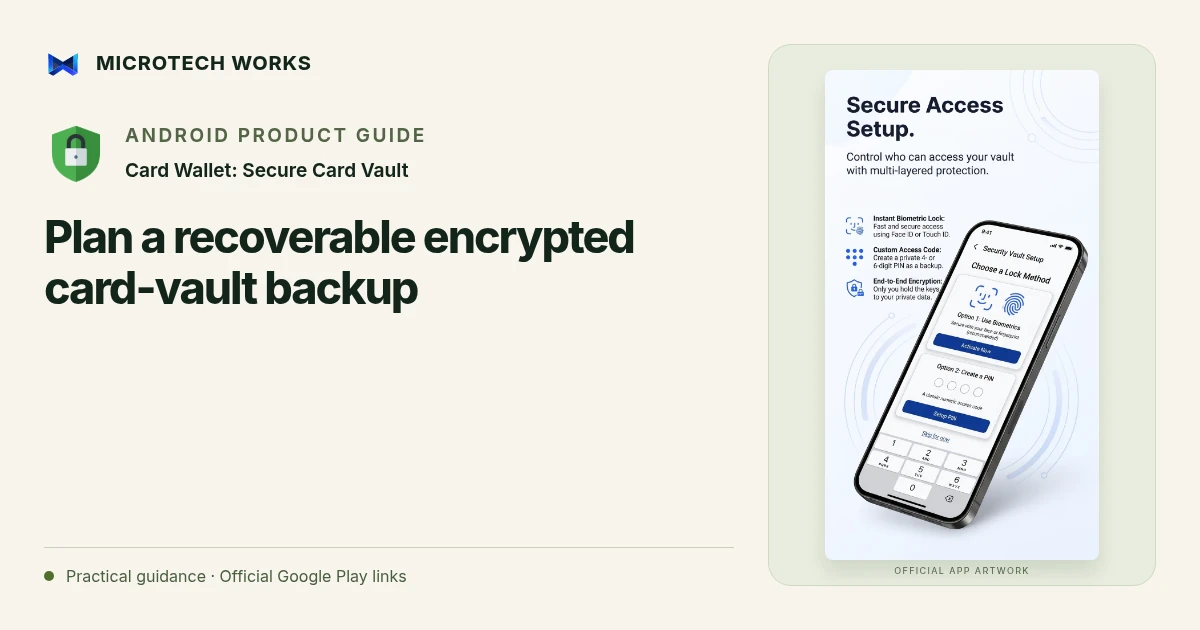
Encryption and recovery solve different problems. An encrypted backup can protect stored contents, but it still needs to be available and unlockable when you need it. Card Wallet supports password-protected exports and optional Google Drive backup that the listing describes as encrypted before upload.
Learn the recovery requirements first
Before making the vault your only record, find out what credentials are required to restore an export. Do not assume a device fingerprint or a Google account can replace an unknown backup password. Keep the recovery method in a secure place you can access independently of the phone. Avoid writing the password into the same unprotected folder as the backup file.
Check what has actually been saved
A backup setting is not proof that the latest data was successfully exported. Review the file or completion information for the operation you performed. If you choose automatic backup behavior, make sure its destination and requirements match your intended use. A file that remains only on the original phone offers little help if that phone is lost or damaged.
Test the process with non-sensitive records
A cautious first test uses sample data you can recreate. Check that you can locate an export, supply the required password and recognize the restored test record. This is more informative than discovering the restore steps while replacing a broken device. Never delete the original library merely because you have selected a backup option once.
Retire old copies deliberately
When you move devices, confirm the new vault works as intended before removing old data. Review backup copies stored in local folders, cloud storage or external media. Protect each copy according to its contents and keep only the versions your recovery plan needs. Optional Drive storage introduces your Google account’s access and recovery arrangements alongside the app’s local controls.
This guide describes a recovery workflow, not a security certification. Local encryption cannot protect against every compromised device or an exposed password. A restored record is also not confirmation that a card is active or safe to use; the issuer remains the authority for the card itself. Use the current app prompts and documentation for the exact export and restore steps in your installed version.
Continue reading
For another part of this workflow, read Organize card details in a local Android vault.
Published by Microtech Works, the developer of Card Wallet: Secure Card Vault. Product features were checked against the public listing on 31 October 2026. Screens and availability can change with updates.
Explore Card Wallet →Download Card Wallet →Official Google Play listing ↗Continue reading
01Organize card details in a local Android vault02Add English captions to Android videos with PostStudio03Arrow Escape beginner guide: find the first clear path