
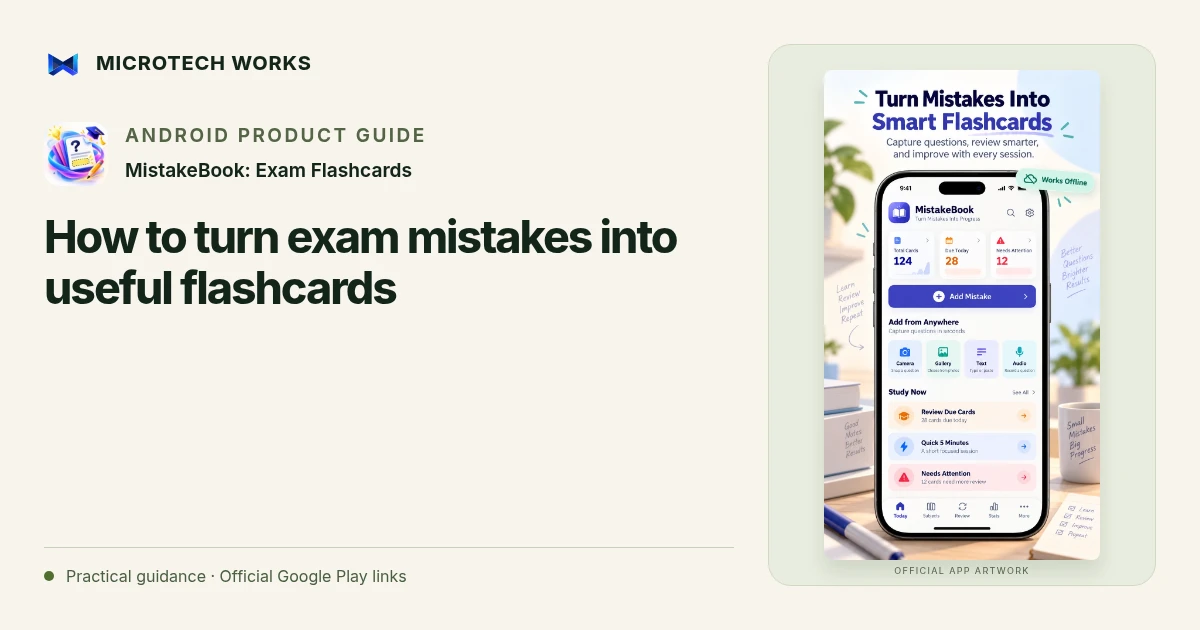
A useful mistake card preserves more than the right answer. It records the question, the reasoning that went wrong and a specific reminder for the next attempt. MistakeBook brings photo, text and audio capture together with answer masks and correction notes, so an old test can become a revision set you actually understand.
Capture one complete question
Choose a question you can read clearly, including its diagram, units and answer options. Crop distracting margins, but keep any context needed to solve it. For a long worked problem, use a text explanation or an audio note alongside the image instead of squeezing everything into an unreadable photograph. Before saving, check that the question makes sense without the rest of the paper.
Hide the solution, not the problem
Mask the answer area in the photographed question. Keep the instructions and givens visible. A mask that covers the formula you were supposed to use can accidentally change the question; a mask that leaves the final result visible makes recall too easy. Test the card once before adding a whole batch. If the solution sits throughout the page, a separate text question may be clearer than many overlapping masks.
Write a correction that changes your next attempt
Suppose you used a diameter where a formula required a radius. Write the actual error, the corrected method and a short reminder such as “label radius before substituting.” Avoid a vague note like “be careful.” The example is a study technique, not a claim that the app diagnoses your reasoning. You decide what the mistake means and how to classify it.
Keep the first collection manageable
Add a subject, chapter and exam tag that you will recognize later. Start with a small set from one paper, then review it before capturing another stack. A useful completion check is:
- The question is legible without the original notebook.
- The answer stays hidden until reveal.
- The correction explains one concrete error.
- The card belongs to a subject or topic you can find again.
MistakeBook stores saved study material locally and supports optional backups. Keep the paper or source image until you have checked your first revision session.
Continue reading
For another part of this workflow, read A five-minute revision routine with MistakeBook.
Published by Microtech Works, the developer of MistakeBook: Exam Flashcards. Product features were checked against the public listing on 31 October 2026. Screens and availability can change with updates.
Explore MistakeBook →Download MistakeBook →Official Google Play listing ↗Continue reading
01A five-minute revision routine with MistakeBook02Add English captions to Android videos with PostStudio03Arrow Escape beginner guide: find the first clear path