
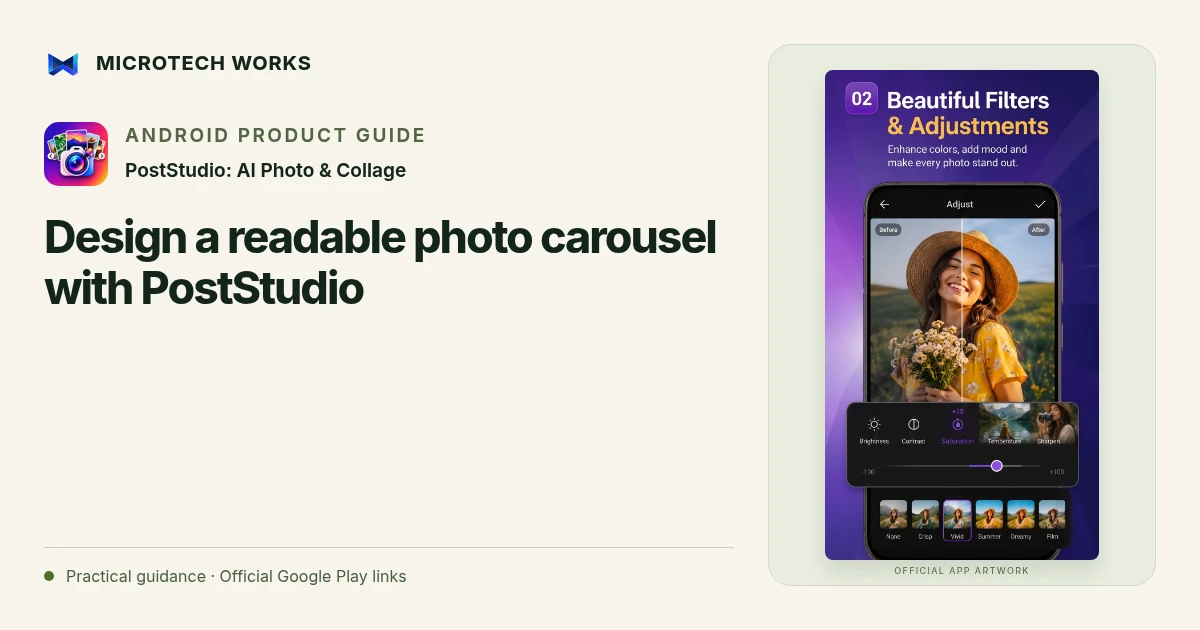
A carousel works when every slide contributes something and the whole sequence makes sense in order. PostStudio includes collage layouts, templates, text tools and a seamless carousel maker. Start with the story you want to tell; the number of slides should follow the information, not the maximum the editor can export.
Give each slide one job
For an illustrative product carousel, the opening slide can introduce the item, the middle can show details or use, and the last can explain the next action. A travel carousel might instead follow a route or a sequence of moments. Write a short outline before placing photos. If two slides repeat the same message, combine them or use the space for a missing detail.
Choose between a collage and a connected canvas
A collage groups several photographs within one frame. A seamless carousel spreads a wider design across connected slides. Neither format is automatically better. Use a collage when the images need to be seen together; use a connected canvas when the progression itself helps the story. PostStudio supports both, so make the choice based on how people will read the content.
Keep text and important subjects away from splits
A decorative line can cross a slide boundary, but an important word or a person’s face may become awkward when divided. Preview where each cut falls. Read the text at phone size and reduce it if necessary. More text styles do not make a crowded slide easier to understand; use one clear hierarchy for the headline, explanation and any small-print details.
Check the exported sequence
Review the first, middle and final slides separately, then check them in order. Confirm that no image is missing and that the opening still makes sense before someone swipes. Check the destination’s current upload behavior rather than assuming that a supported editing ratio guarantees a particular social-platform presentation.
Keep a recoverable project copy before sharing the final files. If you use imported fonts, stickers or photographs, verify your right to distribute them. PostStudio provides creative tools; it does not determine whether a design is commercially licensed or whether another platform will crop, compress or display it exactly as you expect.
Continue reading
For another part of this workflow, read Prepare clear product photos with PostStudio on Android.
Published by Microtech Works, the developer of PostStudio: AI Photo & Collage. Product features were checked against the public listing on 31 October 2026. Screens and availability can change with updates.
Explore PostStudio →Download PostStudio →Official Google Play listing ↗Continue reading
01Prepare clear product photos with PostStudio on Android02Add English captions to Android videos with PostStudio03Arrow Escape beginner guide: find the first clear path