
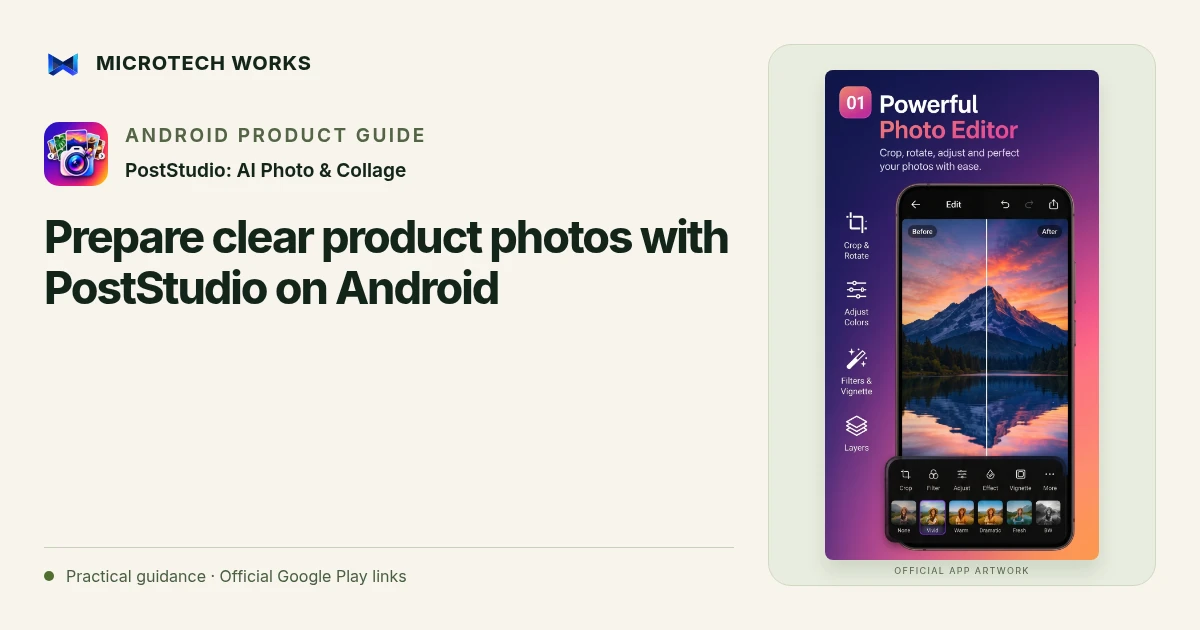
A product photo should help someone understand what you are selling. Before adding effects, make the subject visible, keep its appearance representative and decide where the image will be used. PostStudio: AI Photo & Collage combines editing, on-device background removal and layout tools for preparing those images on Android.
Start with a photo worth editing
Use even lighting, a steady camera and an uncluttered frame. Check whether the label, texture and important edges are readable before you leave the scene. Editing can improve presentation, but it cannot reliably recover information that was never captured. For clothing, food or other colour-sensitive products, compare your edit with the real item instead of choosing the strongest filter.
Decide whether to remove the background
A clean cutout can be useful for a catalog tile; a contextual background may better explain scale or use. PostStudio supports background removal, blur and replacement. Inspect fine edges, transparent packaging and reflective objects after a cutout. If the result removes part of the product, use a less aggressive edit or a different source photo rather than publishing an inaccurate silhouette.
Apply a consistent light and colour treatment
Work on exposure and white balance before adding a creative look. Use the original comparison to see whether highlights have lost detail or a colour has become misleading. PostStudio’s colour mixer and grading controls offer more selective adjustments than applying the same heavy filter to every photograph. A small group of related images should look like one product set, not several unrelated advertising styles.
Export for the actual destination
Choose the canvas ratio required by your product page or social post, then preview the entire frame. Leave important labels away from edges that a destination might crop. Check exported text and image detail at a realistic viewing size, not only at a zoomed-in editing view. Keep a project or source copy so you can revise the design later without repeatedly editing a compressed export.
PostStudio’s core editing works locally. Optional online features, such as caption suggestions using a user-supplied Gemini key, have separate requirements. Review the current app privacy policy before enabling them. When preparing a commercial image, use photographs, fonts and other assets you are authorized to publish.
Continue reading
For another part of this workflow, read Design a readable photo carousel with PostStudio.
Published by Microtech Works, the developer of PostStudio: AI Photo & Collage. Product features were checked against the public listing on 31 October 2026. Screens and availability can change with updates.
Explore PostStudio →Download PostStudio →Official Google Play listing ↗Continue reading
01Design a readable photo carousel with PostStudio02Add English captions to Android videos with PostStudio03Arrow Escape beginner guide: find the first clear path